Four updates went live in Oneday Pro this week. Each one removes a specific point of friction between “client says yes” and “policy in force”: a product structure that used to take multiple policies, an underwriting outcome that used to be a dead end, a back-office request that used to route through head office, and a form section you used to retype on every application.
Here’s what each one does and where to find it.
1. Stack Your Term
You can now layer shorter-term riders on a base term policy: one policy, one policy fee.
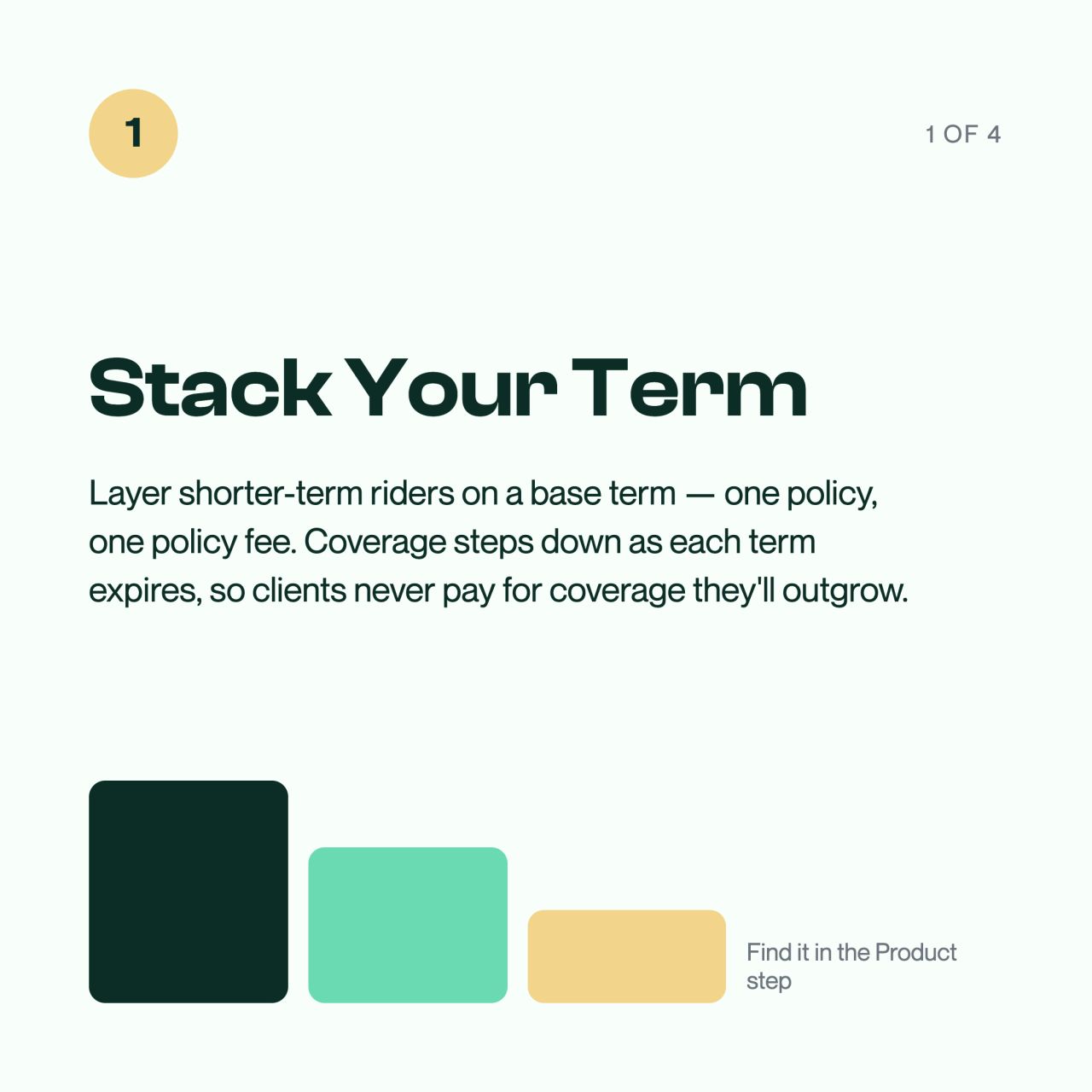
The use case is the client whose obligations don’t all expire at once: a mortgage with 20 years left, a line of credit that clears in 10, kids who are independent in 15. Instead of writing one large term policy sized for the peak, with the client paying peak-coverage premiums for the full duration, you stack terms that step down as each obligation falls away.
Coverage decreases as each term expires, so clients never pay for coverage they’ll outgrow. And because it’s structured as riders on a base policy, there’s a single policy fee instead of one per policy.
You’ll find it in the Product step when building an application.
2. Alternate offers, e-signed and auto-issued
When underwriting can’t approve a case as submitted, you now get a repriced alternate offer instead of a dead end.
The flow: underwriting returns the alternate offer, you reprice live, send it to your client for e-signature, and the policy auto-issues the moment they sign. No new application, no starting the case over, no chasing wet signatures on amended paperwork.
Cases with a repriced offer are tagged Offer Changed in your Applications list, so you can see at a glance which ones are waiting on a client decision.
3. My Staff, for MGAs and AGAs
MGAs and AGAs can now create their own finance and customer-service accounts, with no head-office request.
If someone on your team reconciles commissions or handles client service, you can give them their own login from the new My Staff page. Access is automatically scoped to your downline and read-only, so your staff see what they need to do their job, and nothing else.
4. Saved advisor disclosure
Enter your licensing and company details once, and Oneday Pro pre-fills them on every new application.

Set it up under Profile → Advisor Disclosure. Every new application starts with your disclosure section already completed, still fully editable per client if a specific case needs something different.
It’s a small change that compounds: a few minutes saved on every application, and one less place for a typo to slip into a compliance document.
Available now
All four updates are live in Oneday Pro today. Log in at Oneday Pro to try them.
Not contracted yet? We’re onboarding new Canadian life insurance advisors right now.
Read the announcement on LinkedIn.